
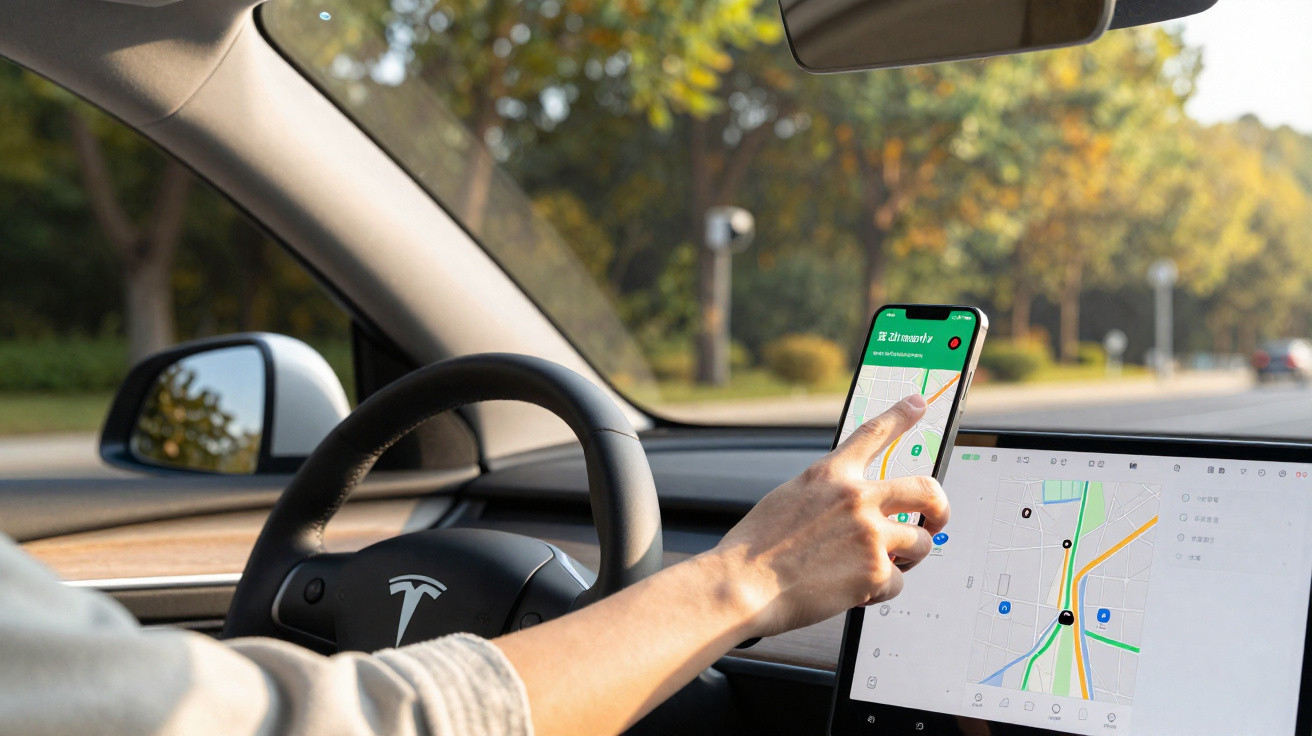
As roadside checks become more frequent and next-generation speed cameras appear across the road network, many drivers are looking for lawful ways to adapt their driving. Waze has established itself as a valuable aid, provided that its full range of features is used properly. Contrary to popular belief, speed-camera detection is not enabled automatically: it requires a few settings changes to work effectively.
Waze is much more than a standard sat-nav app. As the undisputed market leader in France, it stands out by delivering live information on traffic conditions, accidents, roadworks and, naturally, enforcement zones. Its strength lies in its collaborative model: millions of users add to its data every day, creating a genuine mutual-support network for motorists.
The contrast with Google Maps, its fellow Alphabet-owned app, is clear. Waze remains ahead thanks to dedicated features including danger-zone reports, real-time fuel and toll-price updates, and, of course, warnings about roadside checks.
Enable Waze speed-camera detection alerts
However, you must enable one specific setting to benefit from speed-camera detection. Follow these steps:
- Open the app and go to “My Waze”.
- Find the cog icon for settings.
- Choose “Alerts and reports”.
- Then select “Reports”.
- Turn on the switches for the alerts you want.
To get the most from the app, remember to set up audio alerts too. Tap the speaker icon at the bottom right of the home screen to choose between “Alerts only” and “Sound on”. This personalisation can make a real difference on your journeys.
Take part in the Waze community
Waze’s effectiveness depends on its active community. You can become an informed “Wazer” too by reporting the events you encounter on the road. Have you seen a vehicle stopped on the hard shoulder, a stray animal or an especially slippery road? It takes only a few seconds to warn other drivers. To submit a report:
- Locate the orange triangle icon at the bottom right.
- Pick the type of incident from the available options.
- Confirm your report.
Speed cameras and danger zones on Waze
Please note that, under current French legislation, the precise locations of fixed speed cameras are no longer displayed directly. Only danger zones are reported, while mobile speed-camera alerts may be temporarily limited during special operations.
In every situation, speed-camera detection is useful only for preventing lapses of attention, which are particularly common on long journeys. Its purpose is not to make dangerous driving easier - quite the opposite. With or without speed-camera detection, your anticipation and attentiveness remain your best allies for driving safely.


Comments
No comments yet. Be the first to comment!
Leave a Comment